Questions to ask an animation studio about AI
Almost every animation studio now says it uses AI. That tells you very little. It could mean a careful pipeline with artists at every step, or a few prompts and a logo on the end. If you are hiring a studio, a handful of plain questions will show you the difference quickly. These are the ones we would ask, and how we answer them ourselves.
1. Which tools do you use, and for which job?
A good studio can name its tools without hesitation, and say what each one is for. A vague "we use the latest AI" is a warning sign.
We list ours on our home page, job by job: image models for concepts and keyframes, image-to-3D for a first scan, Blender for modelling, rigging and look-dev, video models for shots and motion, a lip-sync model, a cloned character voice, a sound library, and ffmpeg and Premiere for the edit. Ask when the list was last updated too. Tools change every few months. The better question is whether the studio can swap one in without changing how it works with you.
2. What is made by AI, and what is made by people?
You deserve a straight answer, stage by stage. Watch for studios that blur it.
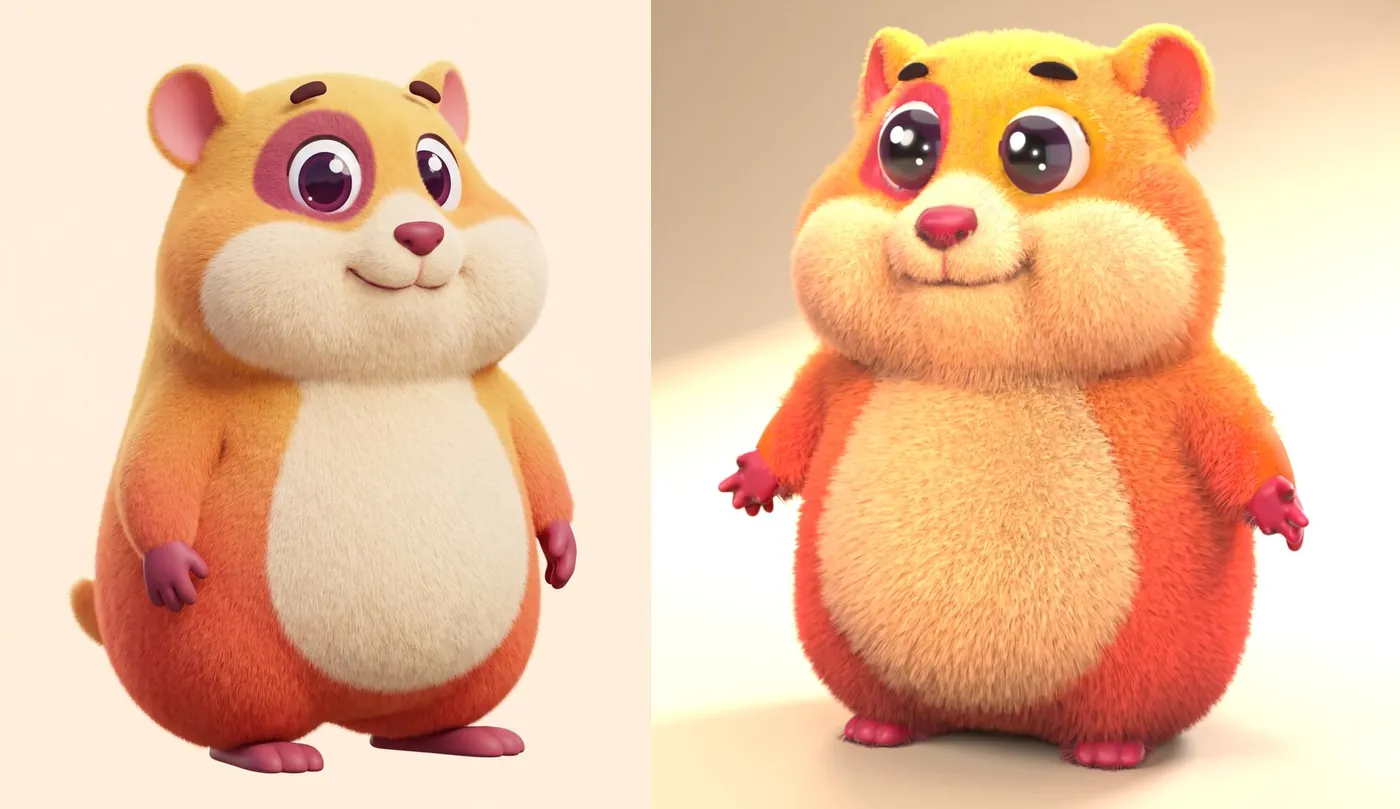
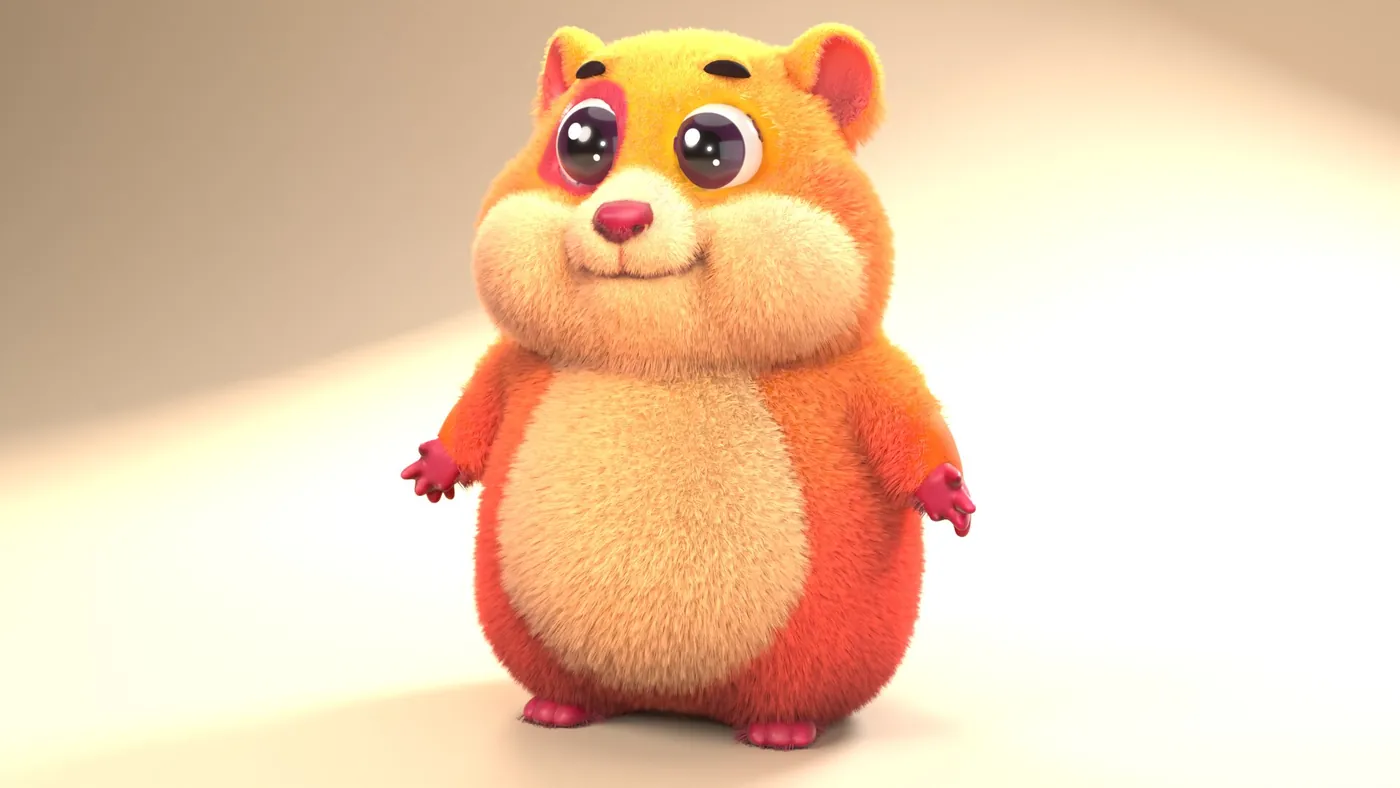
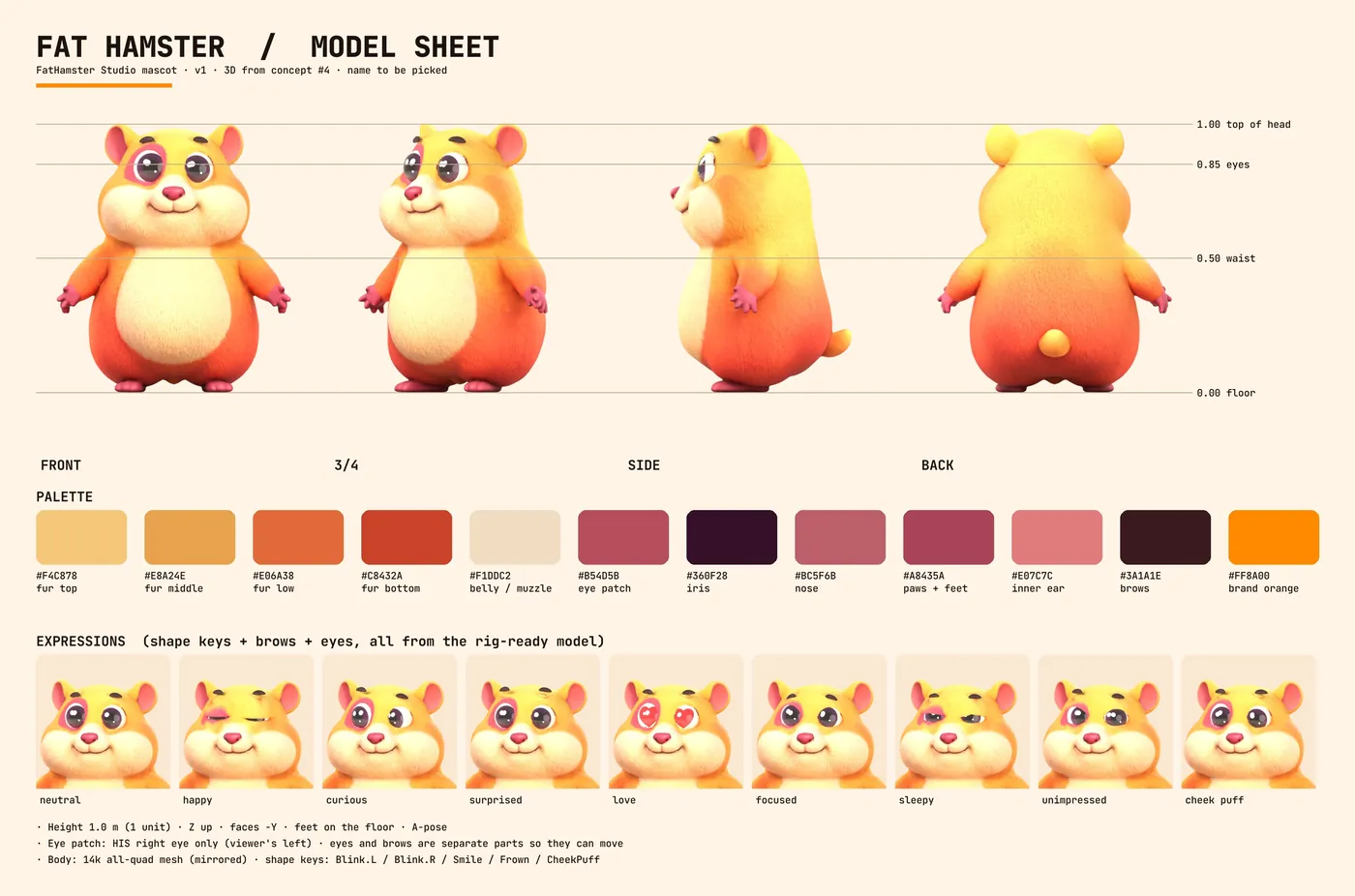
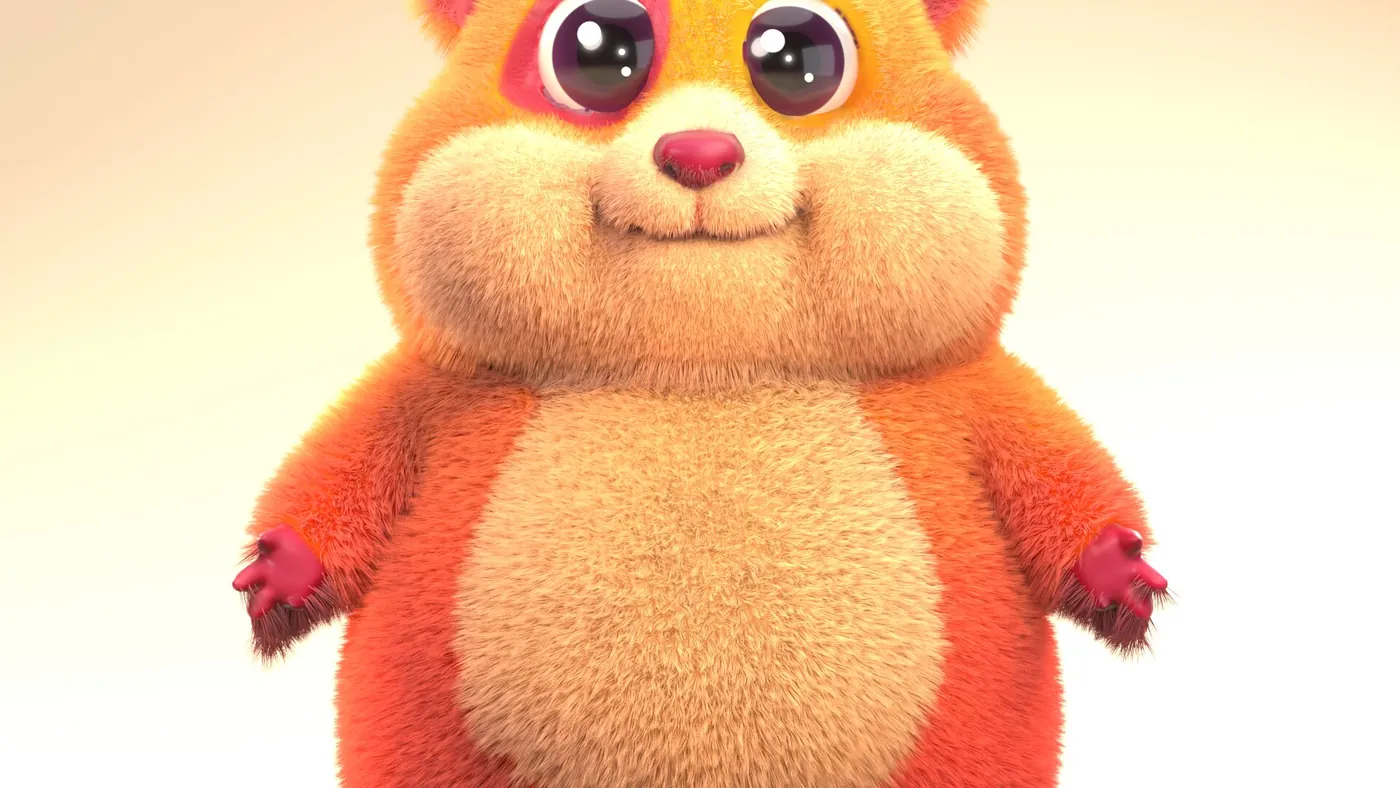
For our mascot, Ham, we say it plainly. His early sketchbook pages were AI-made to show the design path, not hand drawn. His 3D model started as an AI scan and was then rebuilt in Blender into clean, rig-ready geometry with real eyes, movable brows and face shapes. His short films are animated with AI video from the approved concept, not from that 3D model. None of that is a secret, and none of it should be.
3. Who signs off each shot?
This is the most important question on the list. Generating is fast. Judging is the job. Ask who decides that a shot is good enough, and at which stages you get to approve.
Our answer: an artist directs and signs off every shot. On Ham, every pick and every rejection was a person's call: concept four over the other three, the scan we kept over the one we didn't, five look-dev rounds until the fur and light were right.
Ask them who says "not yet". If nobody does, run. Well, waddle quickly.
4. Can I see what you threw away?
A studio that only shows finished work is showing you its best day. Ask to see a failure and what they learned from it. It tells you whether anyone is actually checking.
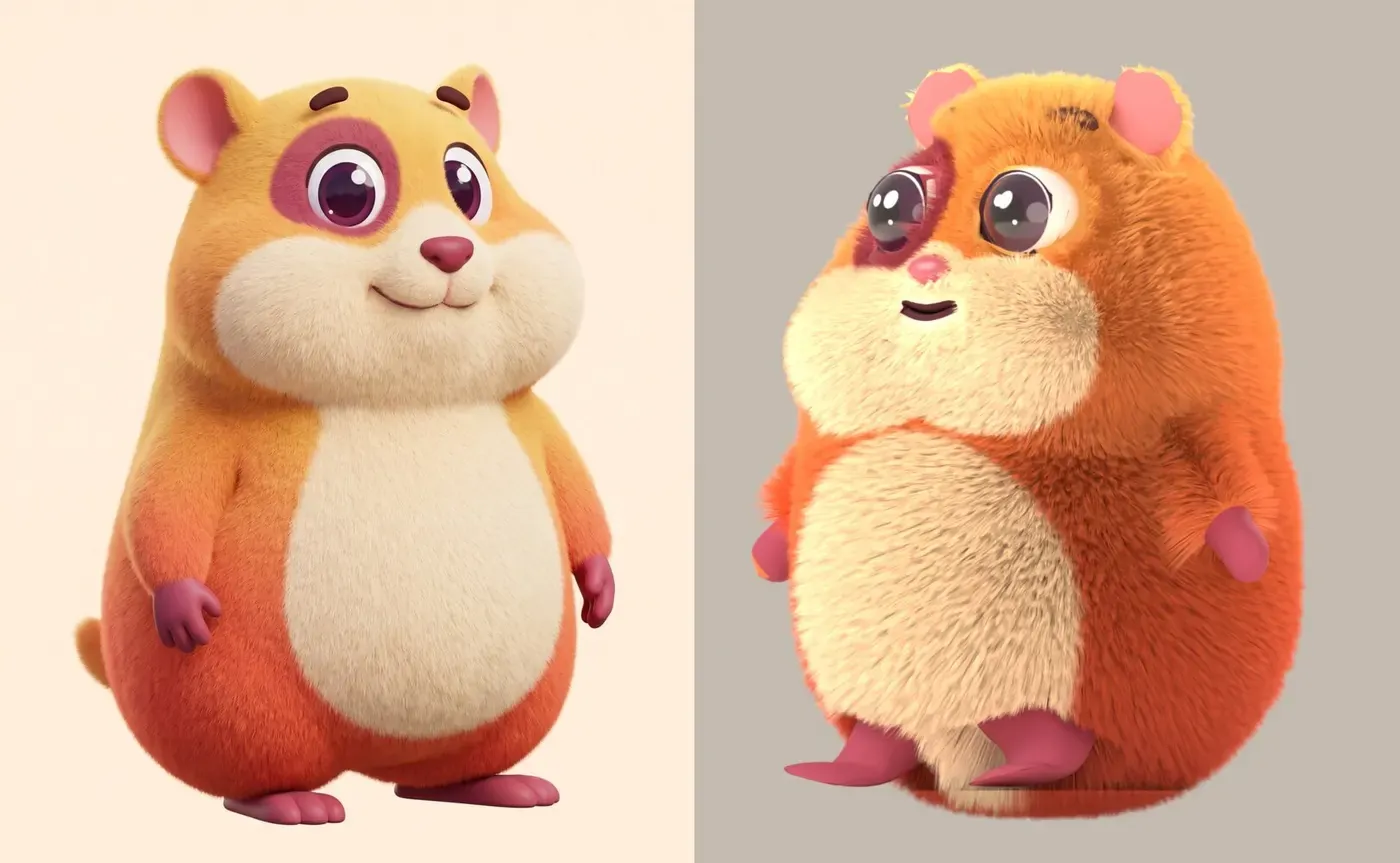
Ours: two 3D models built by hand were rejected before we found the right route. One concept put Ham's eye patch on the wrong eye. A texture bug left a pink paw print on his hips. Each one taught us a rule we still use.
5. How will you keep my character on-model?
AI tools drift. Over a series, small changes add up. Ask how the studio protects your character's look from shot to shot.
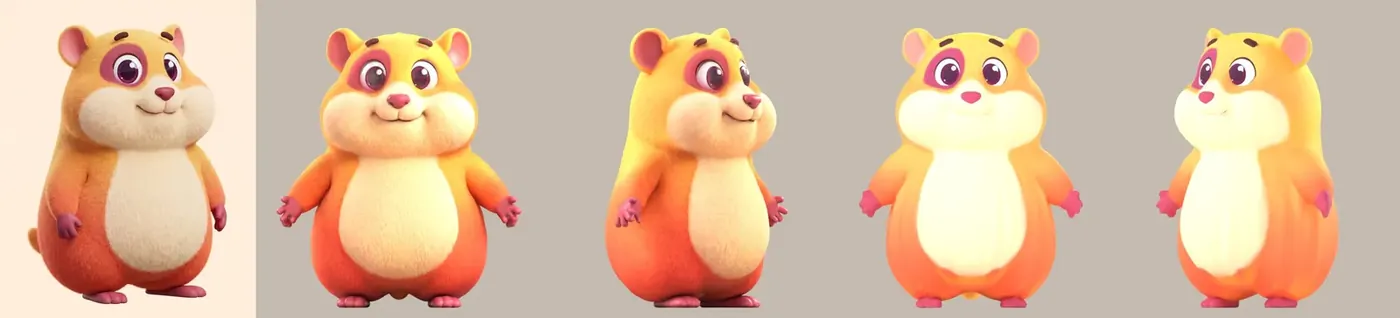
Listen for a model sheet, written rules that anyone can check, generating from the approved design rather than from words, and a person checking every shot against it. "The AI is very consistent now" is not a process.
6. Whose voice is it?
If your character speaks with an AI voice, ask where that voice came from and whether it is the same voice every episode. Ham's voice was first heard in our own test reel, then cloned once as his character voice and reused for every episode, so it stays the same from film to film.
7. What do I get to keep, and what are the terms?
Ask what files you receive at the end and what you are allowed to do with them. For a 3D character that might mean the source file, a light web version and a format for animation tools. Ham, for example, exists as a Blender file, a web-ready 3D file and a file for other animation software.
Ask too which tools touch your project and what their terms say about commercial use. Those terms differ between tools and they change. A good studio will walk you through them openly rather than wave the question away. If something matters to your legal team, get it in writing.
8. How long will it really take?
Ask for a range, and ask what it depends on. For a 60-second character piece, we say about 3-4 weeks today, where the traditional route takes about 3-4 months. Every project is different, so we give a real plan in the first call. Be wary of anyone who promises a fixed number before they have heard your story.
A quick checklist
- Named tools, with a job for each.
- A clear line between AI-made and hand-made work.
- A person who signs off every shot.
- Failures they are willing to show.
- A model sheet and a way of checking against it.
- Clear answers on files, voice and tool terms.
Want to put these questions to us? Ask away.