Keeping an AI-made character on-model, episode after episode
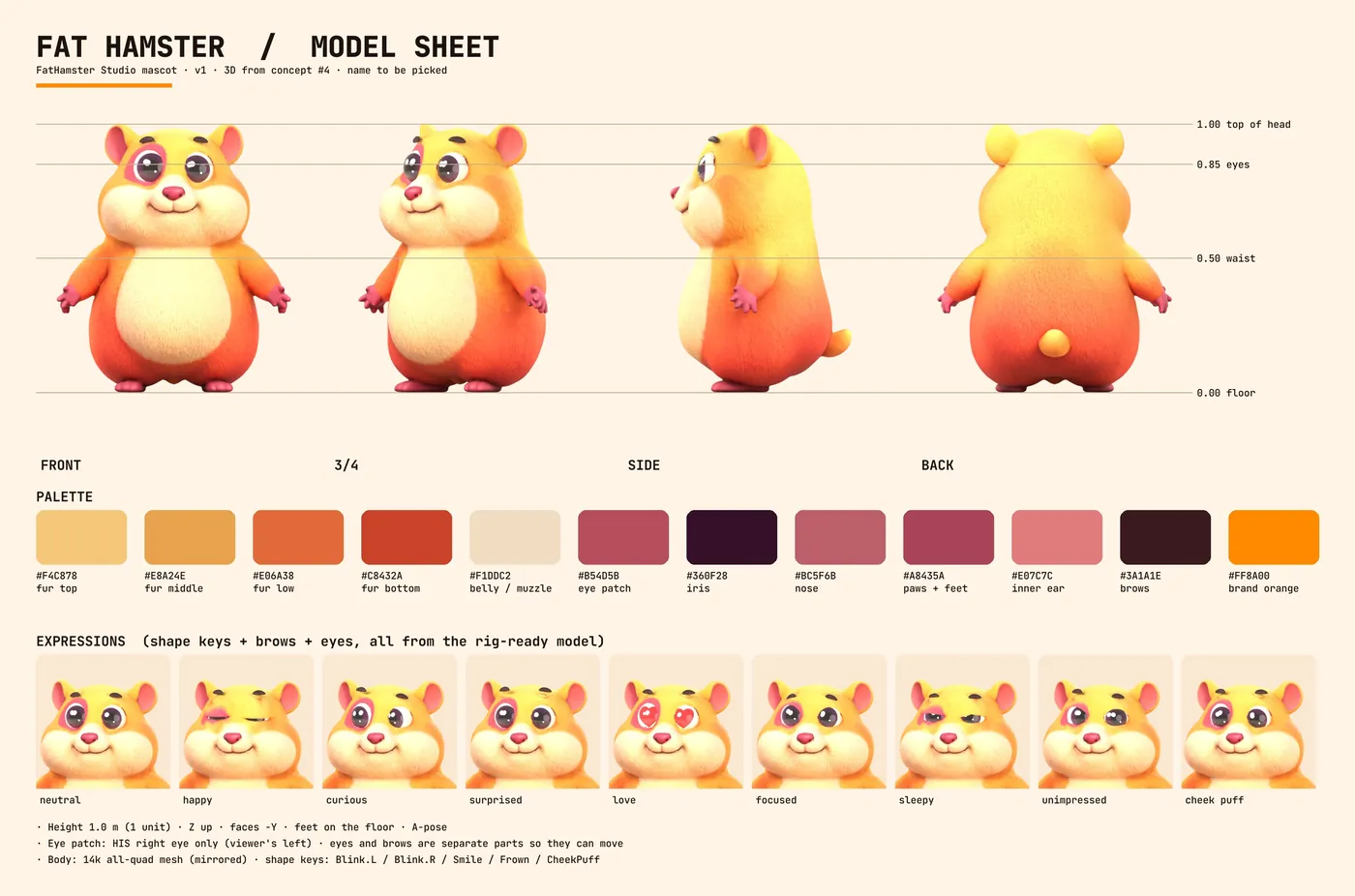
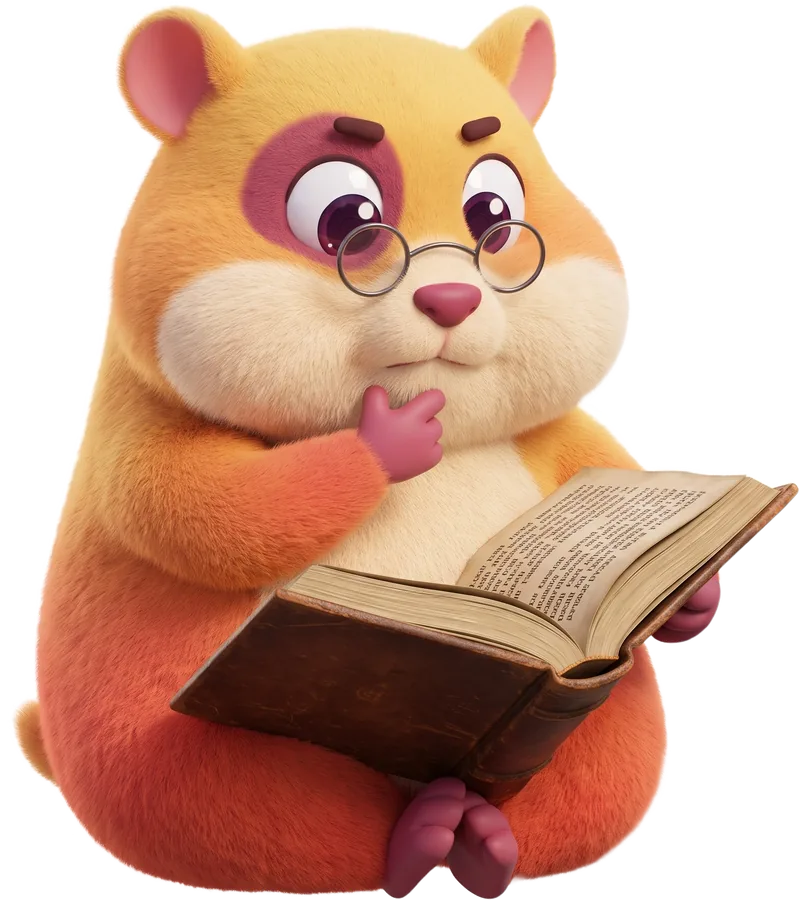
"On-model" is an old animation phrase. It means the character looks like itself in every frame: same proportions, same colours, same face. In a traditional studio it is protected by model sheets and a lead artist with a sharp eye. With AI in the pipeline, the risk is different. The tools are fast and confident, and they drift. Here is how we keep our mascot, Ham, looking like Ham.
Write the rules down first
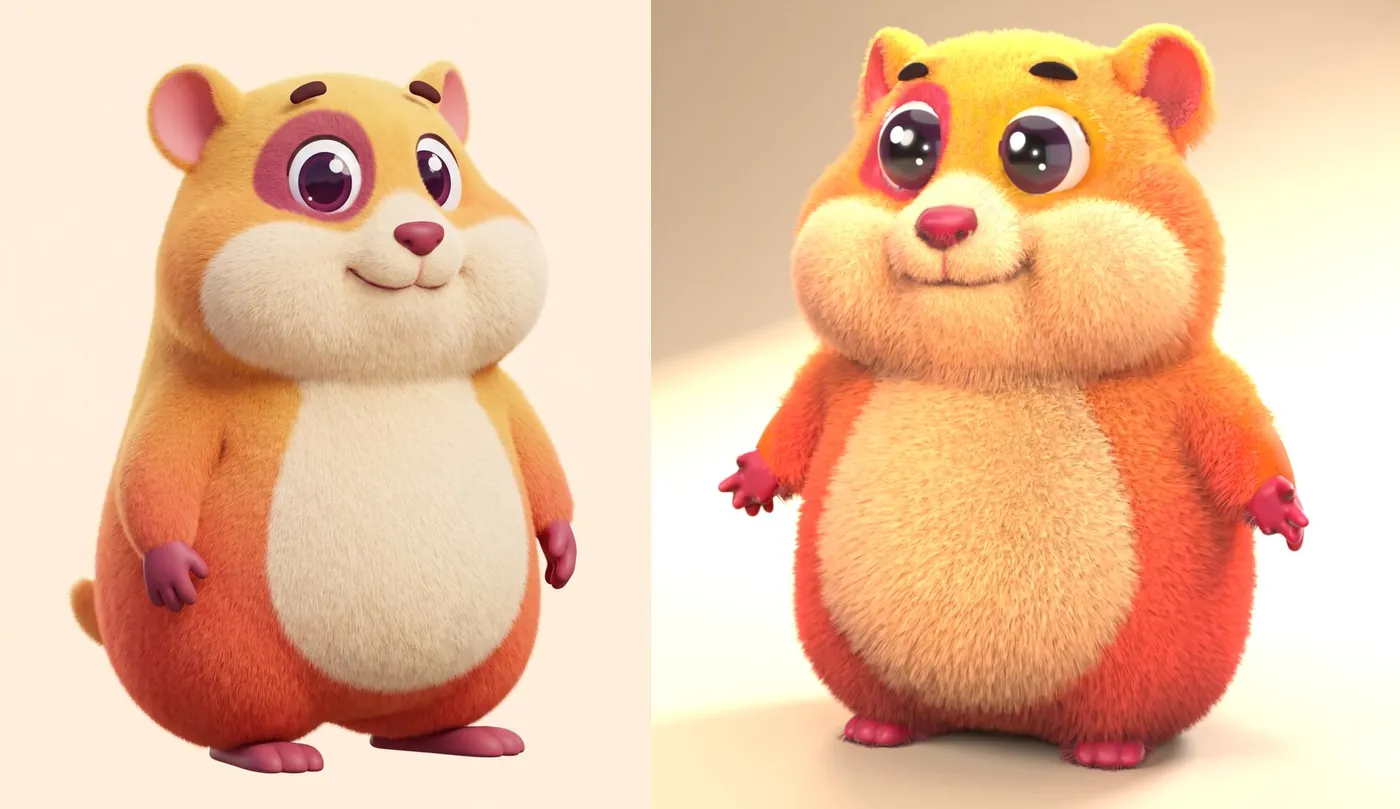
You can't check a character against a feeling. Before design started, Ham had a profile with do's and don'ts. The ones that do the real work are the ones anyone can check in a second:
- Round, pear-shaped body. Ears at the top corners. No neck. Very short arms.
- Berry eye patch on his right eye, which is the viewer's left.
- Big plum eyes with a white highlight in the upper left. Small dark brow dashes that carry most of the acting.
- Golden top, orange middle, coral bottom. Cream belly and cheek pouches.
Short, visual and checkable. "Make him feel friendly" is a goal. "Patch on his right eye" is a rule.
The eye patch problem
That one rule broke more than once. When we asked an image model for four 3D concepts, option three came back with the patch on the wrong eye. When the side view of the 2D turnaround was drawn the wrong way round, we mirrored it in code so the patch stayed where it belongs.
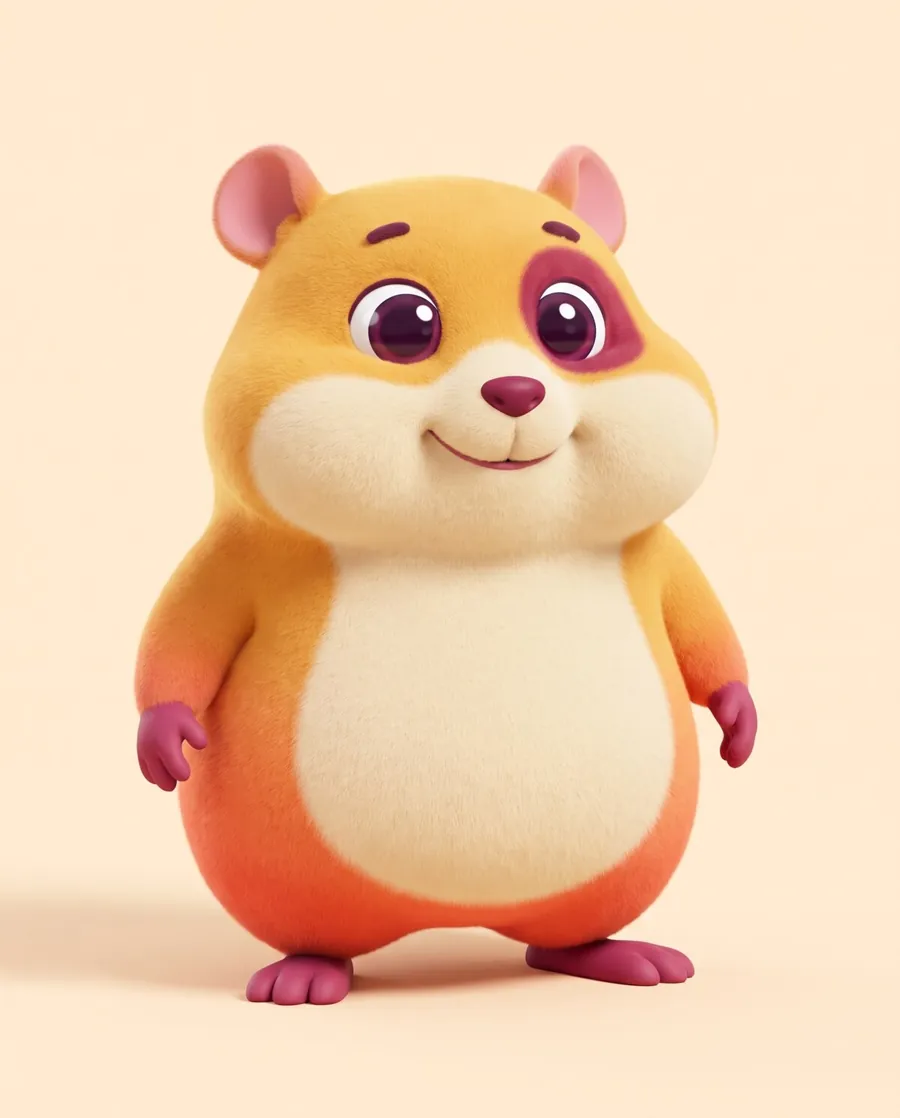
A tool doesn't know that a detail is a brand rule. It sees a hamster with a patch and happily flips it. So every output gets checked against the list, by a person or by a script.
Build one source of truth
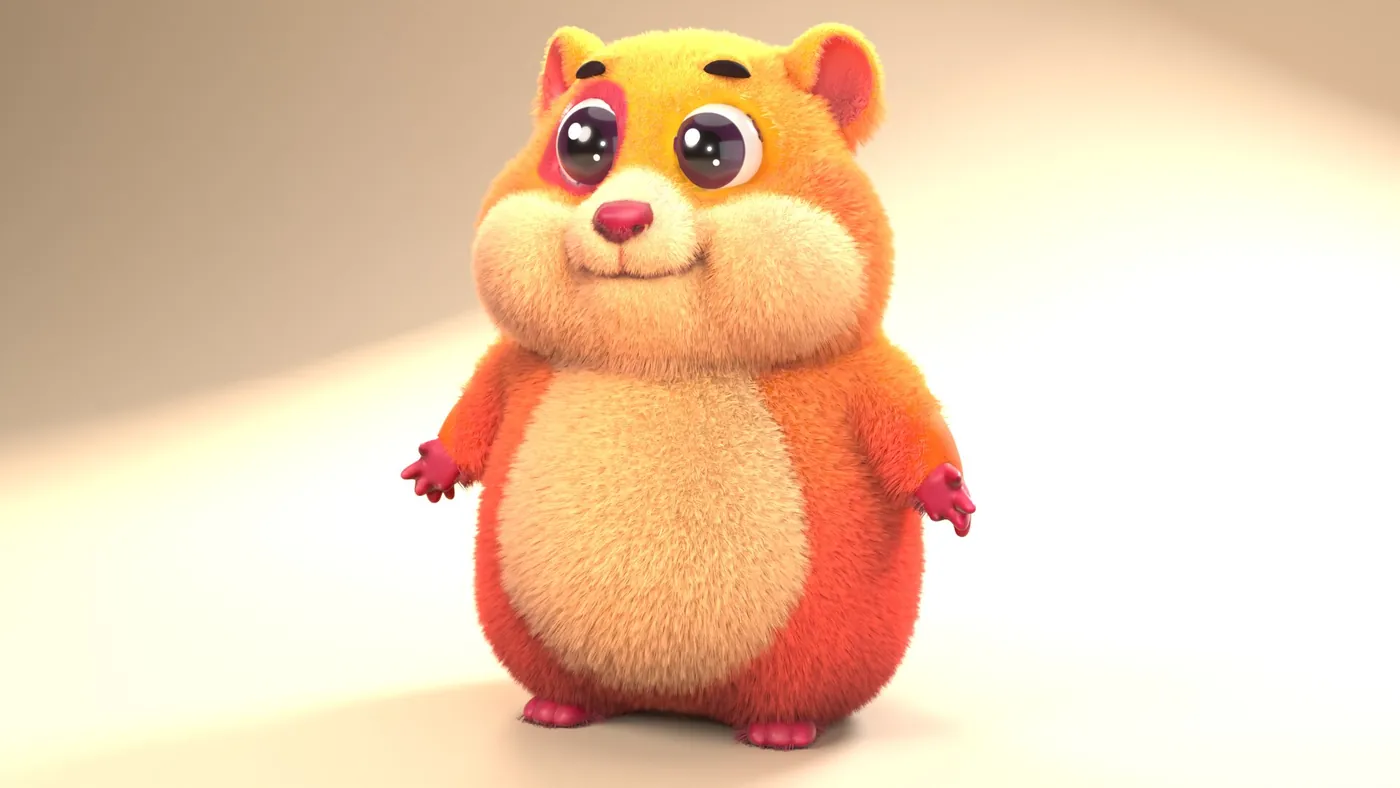
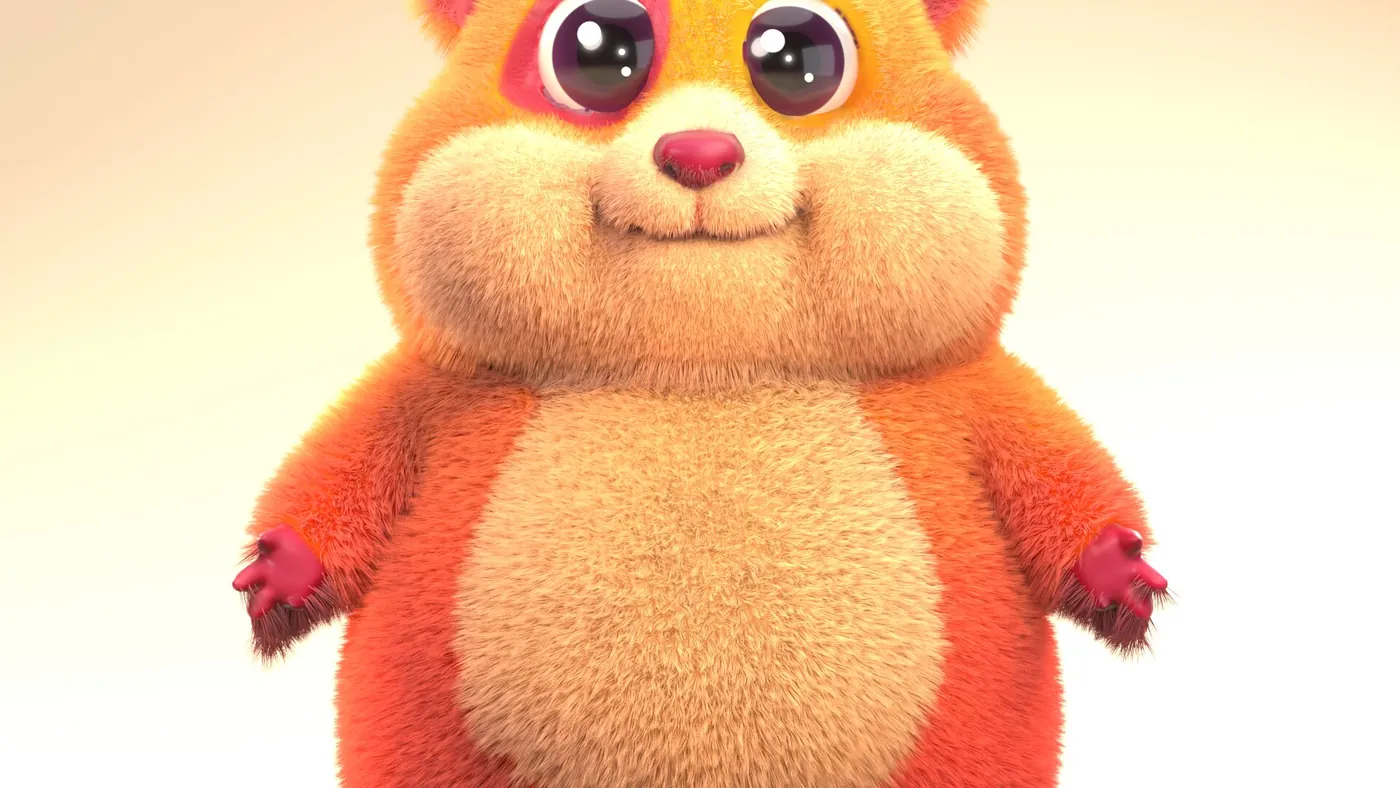
Once the look was approved, everything else came from that one design. Ham's model sheet shows a turnaround, heights, the full palette with hex values and nine expressions. Those expressions come from the 3D model's own face controls, so the sheet and the model can't disagree.
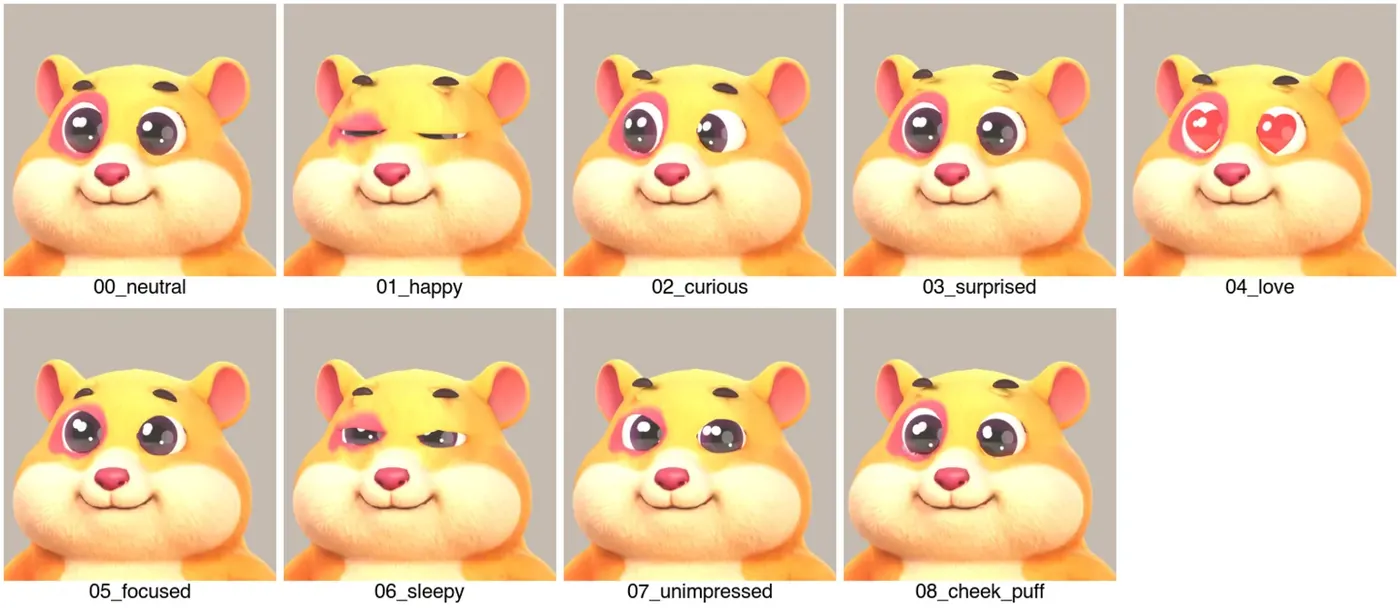
We learned this the hard way. Our first two 3D models were built by hand in Blender before the concept was settled, then reshaped towards it. Both were rejected. One looked like a generic toy; the other was "too far away" from the concept. When a look is already approved, start from that look and engineer it.
Generate from the approved design, every time
For Ham's short films, every storyboard frame is made from the approved concept as the reference image. We don't describe him in words and hope. A picture of the real character goes in with every request, so each new scene starts from the same face.
It also helps to reuse what already works. The cosy desk opening and the end card of our Hammie Wonders series were made once and reused in later episodes. Fewer new shots means fewer chances to drift, and lower cost too.
They check my eye patch more often than my snack drawer. Honestly, I respect it.
Check every shot, not every episode
Drift rarely shows up in a hero frame. It shows up in shot four of a fast montage, when the patch moves for half a second or the ears change size. So the check happens shot by shot:
- Is the patch on his right eye?
- Is he still round, with no neck?
- Are the colours his colours, not a "theme" version?
- Does the expression fit him? Never mean, never scary.
If a shot fails, it gets redone or fixed. That is one of the three things on our home page that don't change with AI: characters that stay on-model, episode after episode. An artist directs and signs off every shot.
Be honest about the two tracks
One more thing worth saying plainly. Ham exists as a finished, rig-ready 3D model in Blender, with real eyes, movable brows and face shapes. His short films so far are animated with AI video from the approved concept art, not from that model. The rig is the route for shots that need exact control.
Both tracks are checked against the same model sheet. That is the point. Tools change every few months. The sheet, and the habit of checking against it, stays.
Have a character you need to keep consistent across a series? We'd love to hear about it.